
Microsoft Word
Microsoft Word is Microsoft's word processor and part of Microsoft 365. This page explains who it suits and how to get it on Windows.
289.2 MB

26.8.0 · The Document Foundation · Page updated
LibreOffice is a free, open-source office suite from The Document Foundation for documents, spreadsheets and presentations. Version 26.8.0 is the current Windows release.
Average 0.0 · ratings: 0
Thank you! Your rating is saved; you can change it. Could not save the rating. Please try again later. Too many ratings from your network today. Please try again tomorrow. The average appears after 5 ratings.
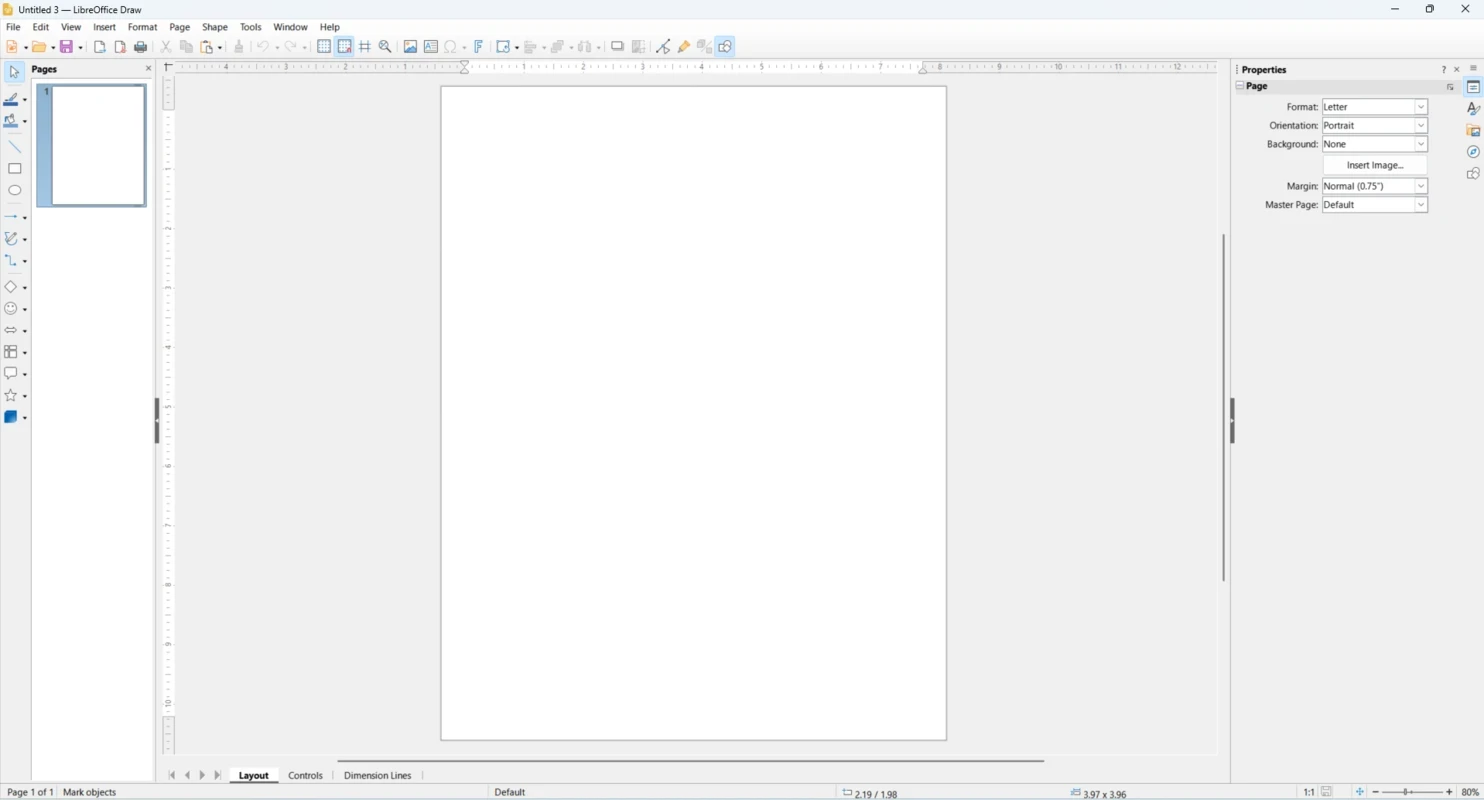
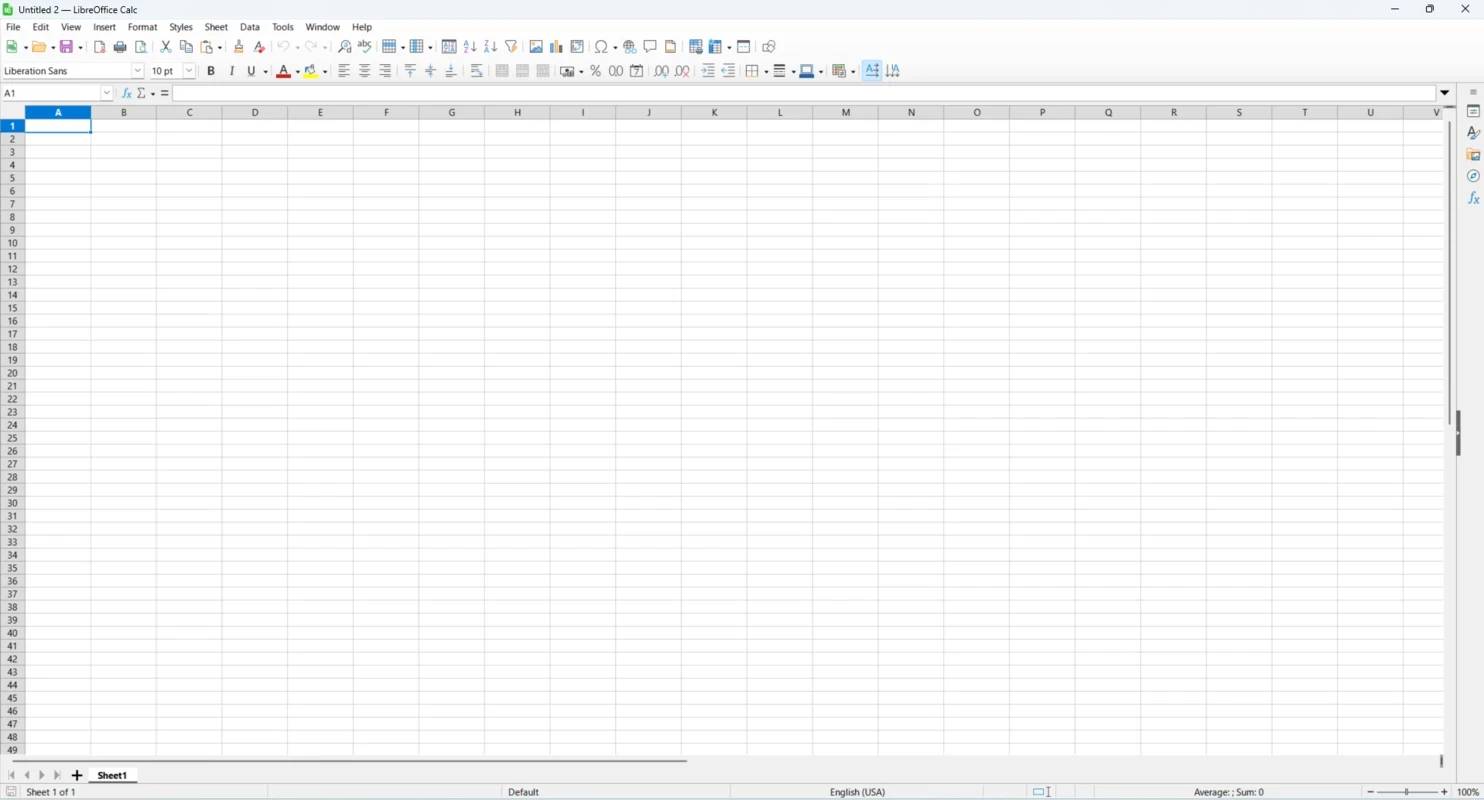
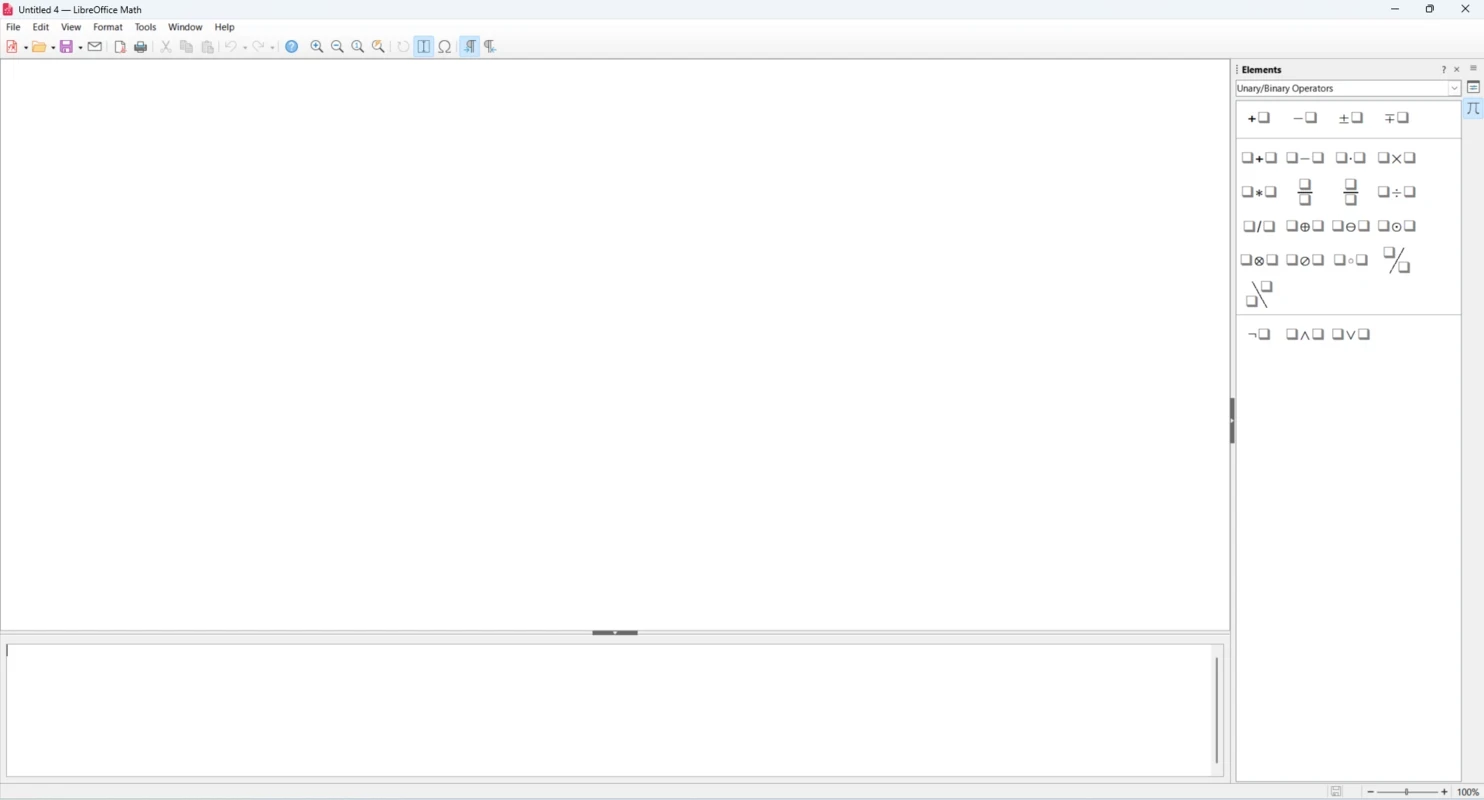
LibreOffice 26.8.0 for Windows is the newest release of the free, open-source office suite made by The Document Foundation. It covers documents, spreadsheets and presentations, and you can download it from libreoffice.org or the Microsoft Store without paying anything.
LibreOffice started in 2010 as a fork of OpenOffice.org, and its first stable release followed on 25 January 2011. Since then it has grown into the office suite that many people install when they want to open and edit office files without buying a licence. It runs on Windows, macOS and Linux, and an Android version also exists. The code is published under the Mozilla Public License 2.0, so anyone can inspect it, and the interface is translated into a long list of languages, from English and Spanish to Hindi, Swahili and Welsh. Releases come in two lines: the stable line for people who want the newest features, now at 26.8 since 26 August 2026, and a legacy line, such as 26.2.6 from 4 September 2026, for users and companies that prefer to wait until a branch has matured. If you set up office computers for other people, the legacy line is the calmer option; at home, the fresh release is usually fine.
| Item | Requirement |
|---|---|
| Windows | Windows 10 or 11 (fully supported on Windows 11) |
| Windows Server | 2012 through 2022 |
| Memory | 256 MB RAM, 512 MB recommended |
| Disk space | up to 1.5 GB |
The installer weighs about 357.53 MB according to catalogue data. Full details are on the official system requirements page.
LibreOffice is open source and published by a non-profit foundation, so the official installer is safe. Avoid repackaged copies from unofficial sites. As with any office program, be careful with macros in documents from strangers and keep them disabled unless you trust the source.
Free for home, school and business use. The Document Foundation accepts donations, and paid support is available from third-party companies for organisations that want it.
Other office suites and editors in our listings: WPS Office, Microsoft 365 Office (UWP), Microsoft Word and Microsoft Excel. See the release notes for what changed in each LibreOffice version.
Microsoft Word is Microsoft's word processor and part of Microsoft 365. This page explains who it suits and how to get it on Windows.

Microsoft Office 2010 is an office suite for Windows released in 2010; Microsoft ended its support on 13 October 2020 and recommends Microsoft 365.
Microsoft Office 2019 is a one-time purchase edition of Microsoft's office suite for Windows 10 and macOS, released in September 2018.

Adobe Reader XI (11) is an older version of Adobe's free PDF viewer for Windows; its support ended in October 2017 and Adobe Acrobat Reader is the successor.

Adobe Acrobat Reader is Adobe's free Windows application for opening, reading, printing and commenting on PDF documents.

iLovePDF Desktop is the Windows app of the iLovePDF service: merge, split, compress, convert and edit PDF files on your PC without uploading them.

Microsoft Excel is Microsoft's spreadsheet program for calculations, tables and data analysis. Build 16.0.19725.20152 is a current Windows release.

Microsoft Office 2007 is a Windows office suite released in 2007; its support ended on 10 October 2017, and Microsoft recommends Microsoft 365.